


Odoo is an ERP, not a consumer delivery app. But it is a strong base for building one: the catalogue, stock, orders, payments and accounting a delivery business needs are already there. This post covers what you get from Odoo and what you still need to build.
What a delivery app has to do
A customer-facing delivery app looks simple: browse, order, pay, track. Behind it sits a lot of operational work: a live product catalogue, stock that is reserved the moment an order is placed, a dispatcher assigning drivers, invoices and payments that reconcile, and reports on what sold and where. Most of that is standard ERP work, which is why Odoo is a practical foundation for it.
Why build it on Odoo
Instead of writing the back office from scratch and then integrating it with your accounts and stock, you build the app on top of Odoo and use the modules that already exist.
- One database: The app, the warehouse, the sales team and accounting all read the same products, prices, customers and stock levels.
- Inventory and purchasing: Stock is reserved per order, replenishment rules trigger purchases, and multi-warehouse setups are supported out of the box.
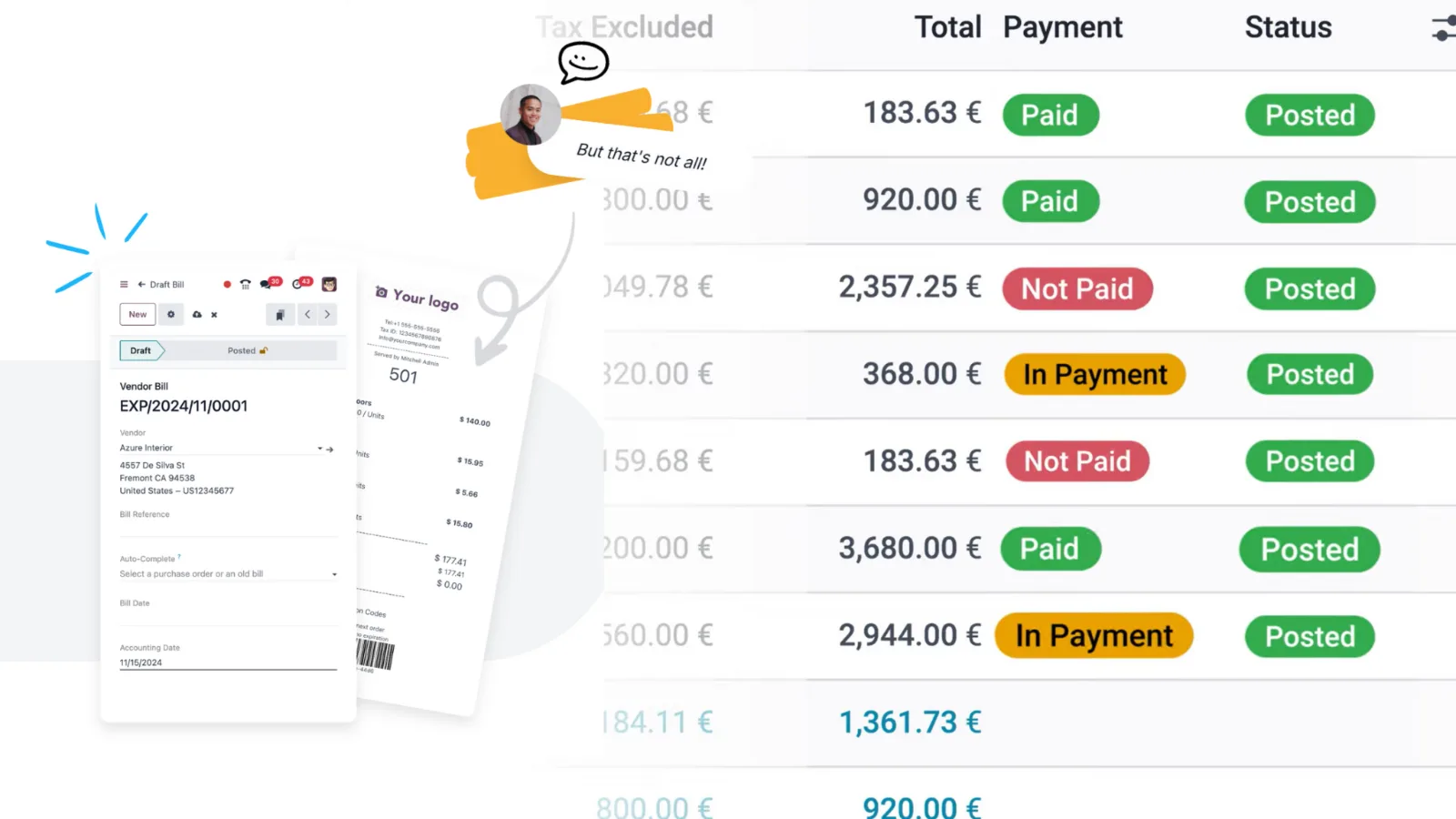
- Orders and invoicing: Each app order becomes a sales order, delivery order and invoice automatically, with payments recorded against it.
- Payments: Odoo ships with payment provider integrations (Stripe, PayPal, Razorpay and others), and cash on delivery is a normal payment term.
- Reporting: Sales by product, area, driver and time of day come from the same data, with no separate analytics stack to maintain.
The parts you build
Odoo gives you the back office. The pieces specific to a delivery business are built as custom modules and a mobile front end.
- Customer app: A mobile or web storefront built on Odoo eCommerce or a custom front end that talks to Odoo through its API.
- Driver app: A simple mobile app for pickups, delivery confirmation, proof of delivery and cash collection, writing back to the delivery order.
- Dispatch: Assigning orders to drivers and routes, either manually from a dispatch board or with rules based on zone and load.
- Live order status: Pushing order and delivery state changes to the customer through notifications or WhatsApp.
- Delivery zones and slots: Serviceable areas, delivery charges and time slots configured as data rather than hard-coded.
A typical build
- Scope: Which categories, which cities, which payment methods, and whether drivers are employees or third parties.
- Configure Odoo: Products, warehouses, pricelists, taxes, payment providers and delivery methods.
- Custom modules: Dispatch, zones, slots and anything else the standard apps do not cover.
- Mobile apps: Customer and driver apps connected to Odoo over its API.
- Pilot and go live: One city or one category first, then expand once the operation runs cleanly.
What this looks like in practice
We built a similar setup for Nellara, an FMCG distributor in the UAE: Odoo for the back office, with mobile apps for delivery, inventory and van sales. The pattern is the same for any delivery business, whether the goods are groceries, pharmaceuticals or spare parts.
If you are planning a delivery app, start with the operations it has to run. Odoo covers most of them already, which leaves your development budget for the parts that are specific to your business.